Dungeonbound: How Adjacent Items Work on the Grid
Learn how adjacent items, star badges, item rotation, and board edge bonuses work on your equipment grid in Dungeonbound.

Orthogonal Touching and Perimeter Counting
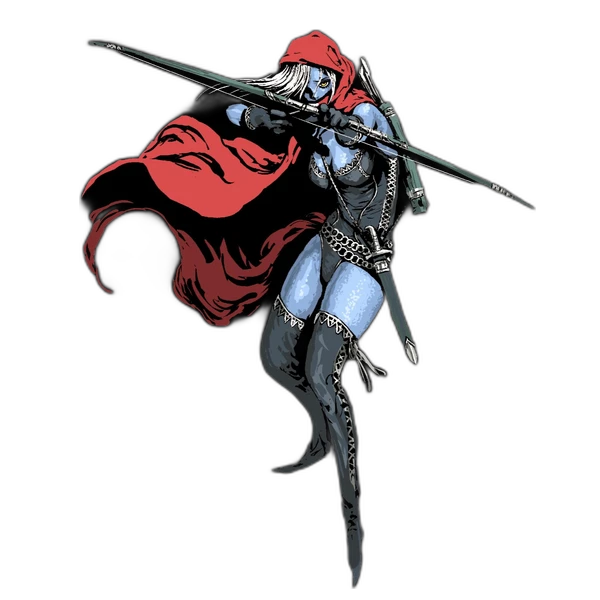
Adjacent item effects in Dungeonbound check orthogonal cells directly left, right, above, and below every square occupied by an item’s shape, while diagonal corners never count. Multi-cell items check orthogonal neighbors outward from every square in their footprint rather than from a single origin cell. Even when two multi-cell pieces share several touching borders along a long seam, each distinct neighboring item is counted only once. Positional checks apply strictly on your active equipment grid, meaning spares stored in your bag never satisfy neighbor conditions. For example,  Bottomless Quiver grants +12% Multi Trigger for each adjacent bow placed beside its cells. Delvers building full-board combos can explore wider loadout pairings in our Dungeonbound Items and Synergies Guide.
How Star Badges Work
Positional items draw one star badge centered along each checked side of the item’s bounding box rather than on every individual cell. That star shifts from dark to gold as soon as at least one matching neighbor touches the corresponding side on your loadout. Positional scaling rules increment their neighbor count for every matching item touching the checked side. Triggered positional effects multiply their base trigger amount by the total number of matching neighboring items.

Item Rotation vs Unrotated Board Sides
Not every directional effect responds to rotation the same way, because Dungeonbound separates item-relative sides from fixed board directions:
- Directional neighbor checks rotate with the item’s rotation step. Each clockwise step advances through “above”, “right”, “below”, and “left”. In the demo files,
 Choir Buckler adds +3% Dodge for each Holy piece on its right side.
- Triggered effects that grant Multicast to left-and-right neighbors or to left neighbors read unrotated board directions instead of rotating with the item. In the demo files,
 Overdrive Cog triggers every 4.75s (adding +2.5s cooldown per trigger) to grant +1 Multicast for the battle to the items on its left and right. Similarly,
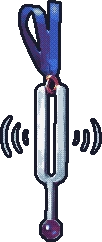 Echo Chime grants +1 Multicast for the battle to the item on its left whenever that neighbor triggers.
Planning rotations carefully helps squeeze awkward shapes together; see our item rarities and backpack grid guide for cell layouts and grid expansion.
Outer Edge, Corner, and Inner Board Rules
Items with board-edge rules check where their cells sit within the open area of your active equipment grid. Each board-edge piece draws a status star in the upper-right corner of its item frame:
- In the demo files,
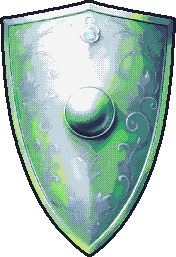
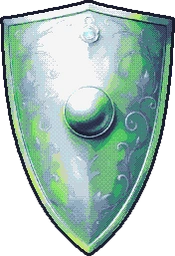 Bramble Shield adds +10 Thorns when placed along your active grid’s perimeter, in addition to +5 Thorns for each neighboring Earth piece.
- In the demo files,
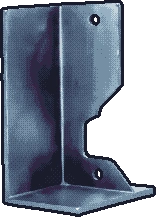 Corner Guard grants +30 Block when occupying one of your active grid’s corner cells.
- In the demo files,
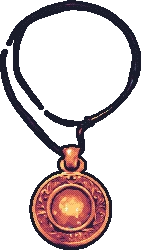 Centrepiece Amulet adds +25 Max HP when none of its cells touch your active grid’s perimeter.
Check our merge and forge guide for full details on combining equipment and forged grid shapes.
Sources
- Dungeonbound demo build game files